

These instructions are for my preferred method of downloading files…
Le Android device.
BitLord is the safest app I’ve ever used. Never had an issue with it. But..BUT… use at your own risk. Technology can be unpredictable. Years ago some dumb-dumb went against my advice and used µTorrent.. She broke her laptop and wanted me to pay for it. “haha.”
Step 1
Download BITLORD
Step 2
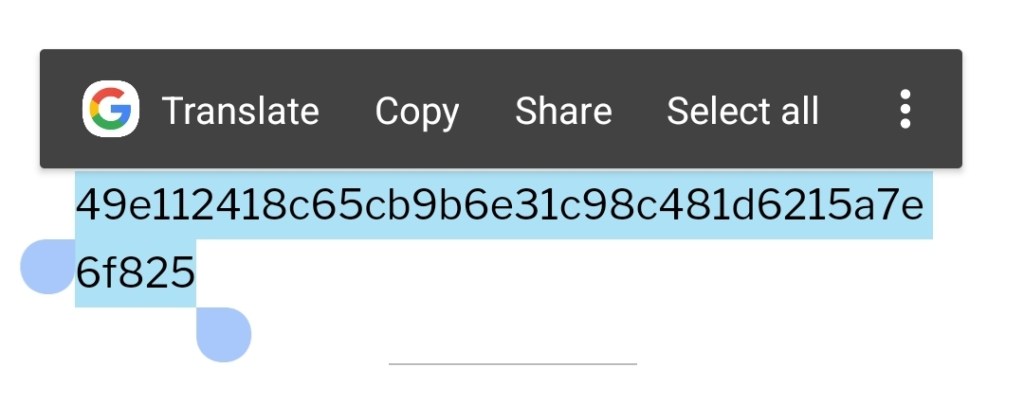
Select and copy infohash
Step 3
Open BitLord
Tap +
Tap “add link”
Step 4
Paste infohash into the box and tap “add”
Step 5
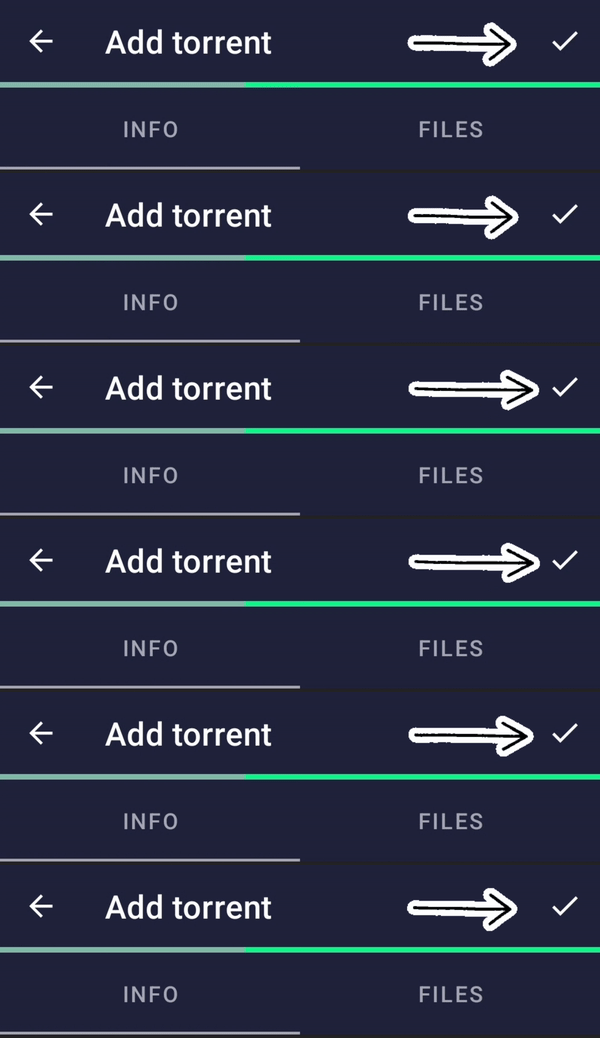
Tap the checkmark up at the top and voila youre done. Now you wait for ze files.
Disclaimer: Don’t use BitLord to download copyright protected materials.
K?…k.